Posts: 31
Threads: 12
Joined: Jul 2013
Thanks: 0
Given 0 thank(s) in 0 post(s)
hey people, I'm a total noob when it comes to modelling and modding and mapping and what not, so I'm just asking someone to explain how to make a decent mod, or at least the basics. don't have to if you don't want to; i know i've been a waste of time to the forums lately!
Posts: 1,318
Threads: 76
Joined: Apr 2011
Thanks: 1
Given 11 thank(s) in 5 post(s)
I didn't wrote this, can't remember who's the original author... Bukz or Mr.Floppy maybe?
Posts: 638
Threads: 10
Joined: Jun 2010
Thanks: 6
Given 30 thank(s) in 16 post(s)
Yep, I compiled that little introduction linked above, a while ago already. Actually, it's merely a list of tools required for modelling. You'll find loads of manuals/tutorials in their respective communities and all around the web.
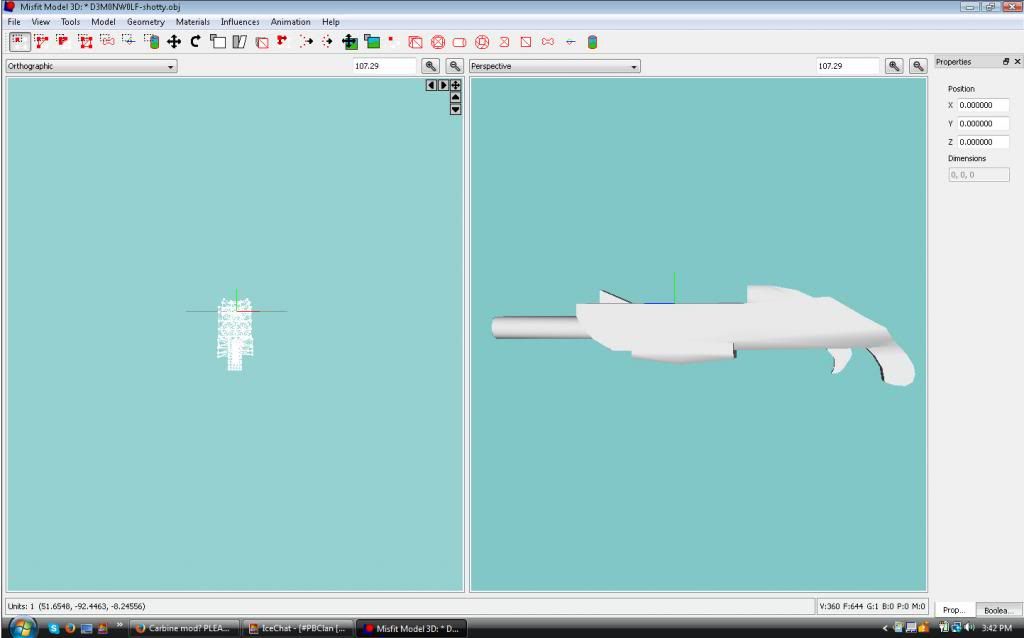
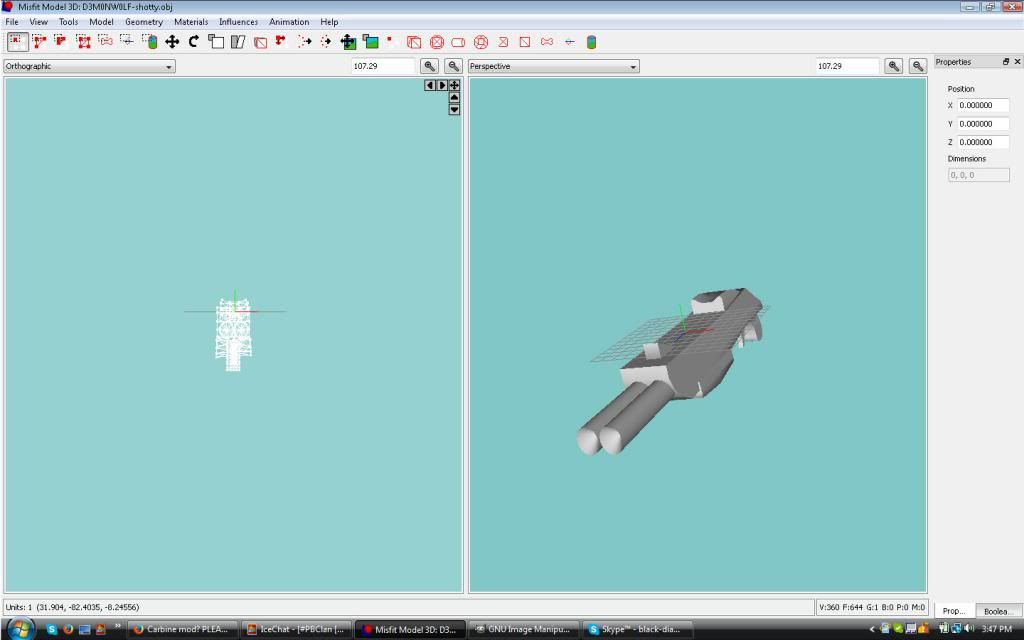
You may try out Misfit Model 3D (free) or MilkShape (30 days trial) to get the hang of things and see whether you really want to dig deeper into this subject. After all Blender is the most advanced modelling tool available for free, but quite tough for beginners.
However, there's no simple way of explaining "how to make a decent mod" and it's about you to learn a whole lot of stuff yourself first.
Posts: 31
Threads: 12
Joined: Jul 2013
Thanks: 0
Given 0 thank(s) in 0 post(s)
i just downloaded misfit 3d; despite the simple interface it doesn't look easy.
Posts: 31
Threads: 12
Joined: Jul 2013
Thanks: 0
Given 0 thank(s) in 0 post(s)
hmm... you've got windows 7 so your computer is not a "toaster". anyways, thanks!
Posts: 619
Threads: 42
Joined: Aug 2012
Thanks: 79
Given 33 thank(s) in 23 post(s)
No I have a windows vista laptop. :p
Posts: 31
Threads: 12
Joined: Jul 2013
Thanks: 0
Given 0 thank(s) in 0 post(s)
oh... the tabs on the bottom are longer on a laptop than desktop. the minimize/maximize/close buttons are separated. the little arrow on the task bar should go up in windows 7. sorry for stupid observation!






 Spoiler